Signing In
Sign in
- Go to the Lekhapal login page.
- Enter your email and password.
- Click Login.
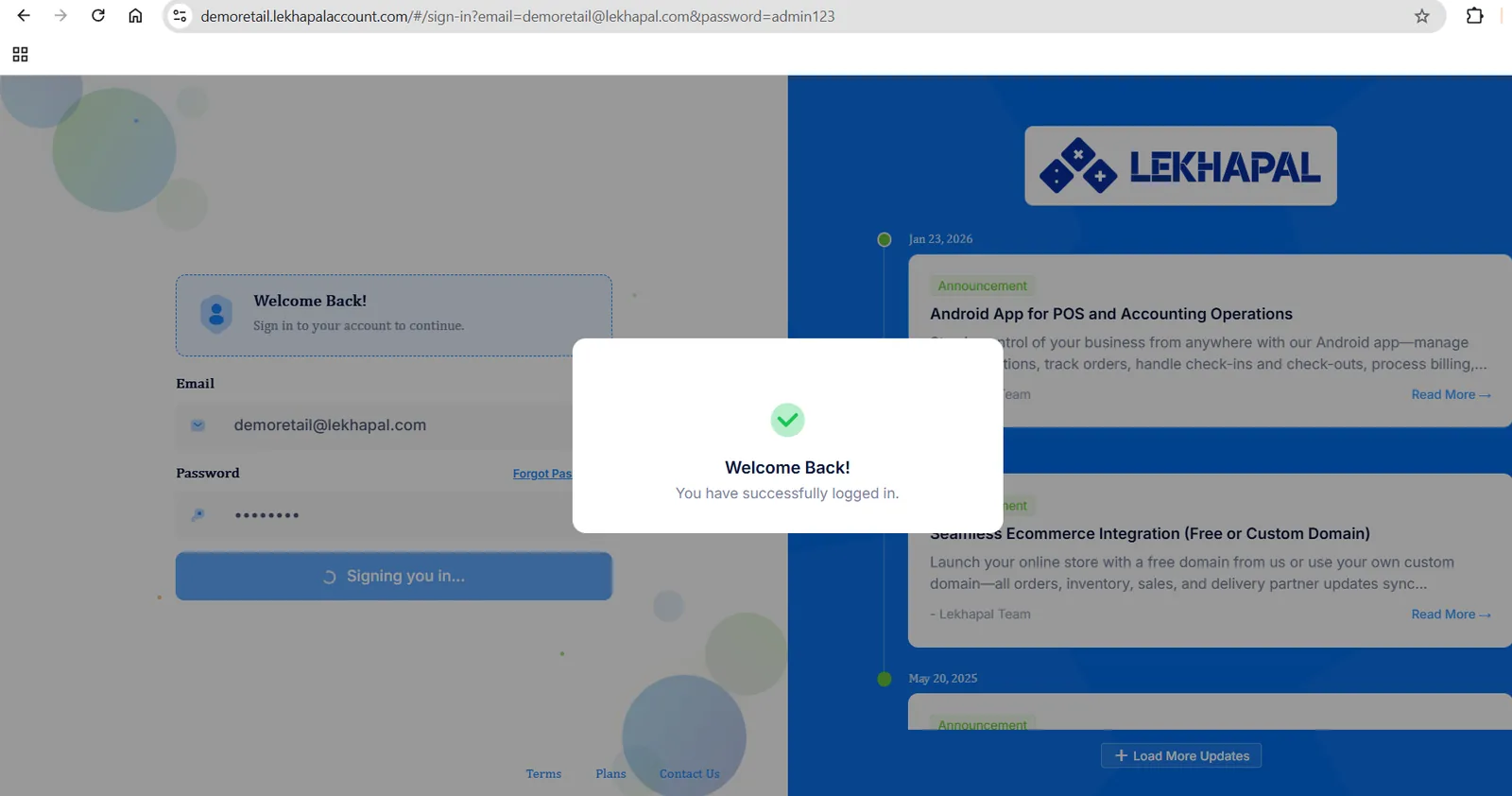
You land on the Dashboard.
Forgotten password
- Click Forgot Password on the login screen.
- Enter the email address on your user account.
- Open the reset email and follow the link to set a new password.
If the reset email does not arrive, check your spam folder first — the same troubleshooting steps as account verification apply.
What you can see after signing in
Your menu is built from the role assigned to your user. A cashier signs in to the POS; an accountant sees the books and reports. If a module described in this manual is missing from your menu, ask whoever administers your Lekhapal account to check your role.