HR Settings
HR Settings is where you configure the policies and structure everything else in the module depends on. Set these up before you add employees — most of the employee form is dropdowns fed from here.
What you can configure
HR → HR Settings
| Setting | What it defines |
|---|---|
| Job Grades | Grades and salary bands |
| Departments | The organisational units employees belong to |
| Designations | Job titles |
| Leave Types | The kinds of leave and their entitlements |
| Holiday Calendar | Public and company holidays |
| Shifts | Working patterns and hours |
| Attendance Devices | Biometric and punch devices to sync from |
| Statutory Overrides | Business-specific exceptions to statutory rates |
| Statutory Remittance | How and when statutory dues are remitted |
| HR Settings | General module preferences |
Job Grades
HR Settings → Job Grades
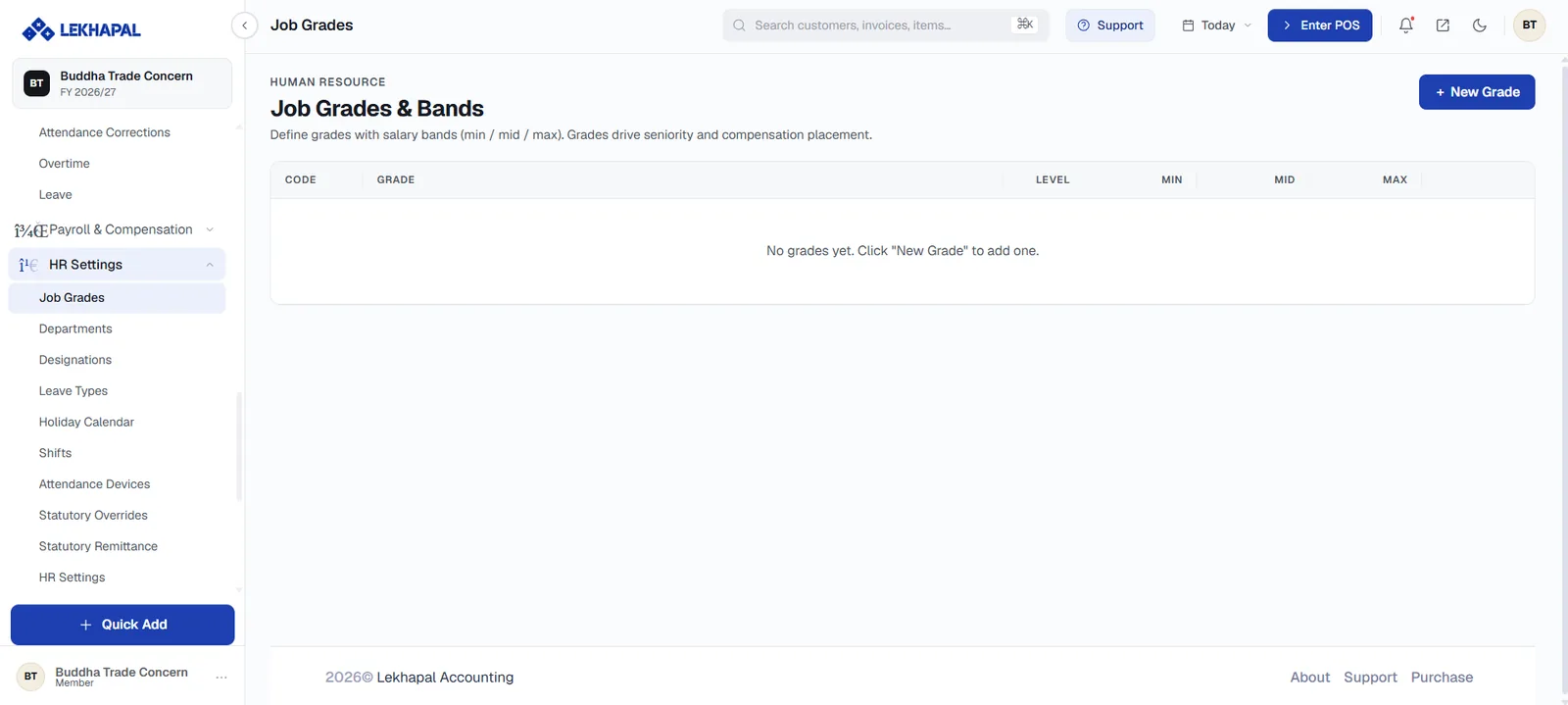
Grades define salary bands with a minimum, midpoint and maximum. They drive seniority and compensation placement — where an individual salary sits within its band.
Click + New Grade and set the Code, Grade name, Level and the Min, Mid and Max of the band.
Departments and Designations
Departments are organisational units (Sales, IT, Finance); designations are job titles (Sales Executive, Accountant). Both appear on the employee form, and both can be created inline from there with the + button if you find one missing.
Departments also group the org chart and several payroll views.
Leave Types
Each leave type carries its own entitlement, and that entitlement is what appears on an employee's balance cards in My Portal. Typical types include Annual, Casual, Sick, Home, Mourning, Paternity and Unpaid.
Unpaid leave is worth defining explicitly — it lets you record an absence without granting an entitlement.
Holiday Calendar
Public and company holidays. The calendar matters in two places:
- Attendance does not mark people absent on a holiday.
- Overtime worked on a holiday is paid at 2× rather than 1.5×.
Shifts
Working patterns — start and end times, break periods, weekly off days. Shifts determine what counts as late, as early departure and as overtime.
Attendance Devices
Register biometric or card devices here so Attendance can pull punches with Sync Device and Fetch All.
Statutory Overrides and Remittance
Statutory Overrides hold business-specific exceptions to the default SSF, PF, gratuity and TDS rates. Statutory Remittance configures how and when those dues are paid over.
Change statutory settings deliberately
These rates come pre-set to the Nepali statutory defaults — SSF 11% + 20%, PF 10% + 10%, gratuity 8.33%. Override them only where your business genuinely operates under a different arrangement, and check the effect on the next payroll run before marking it paid.