Sales Order
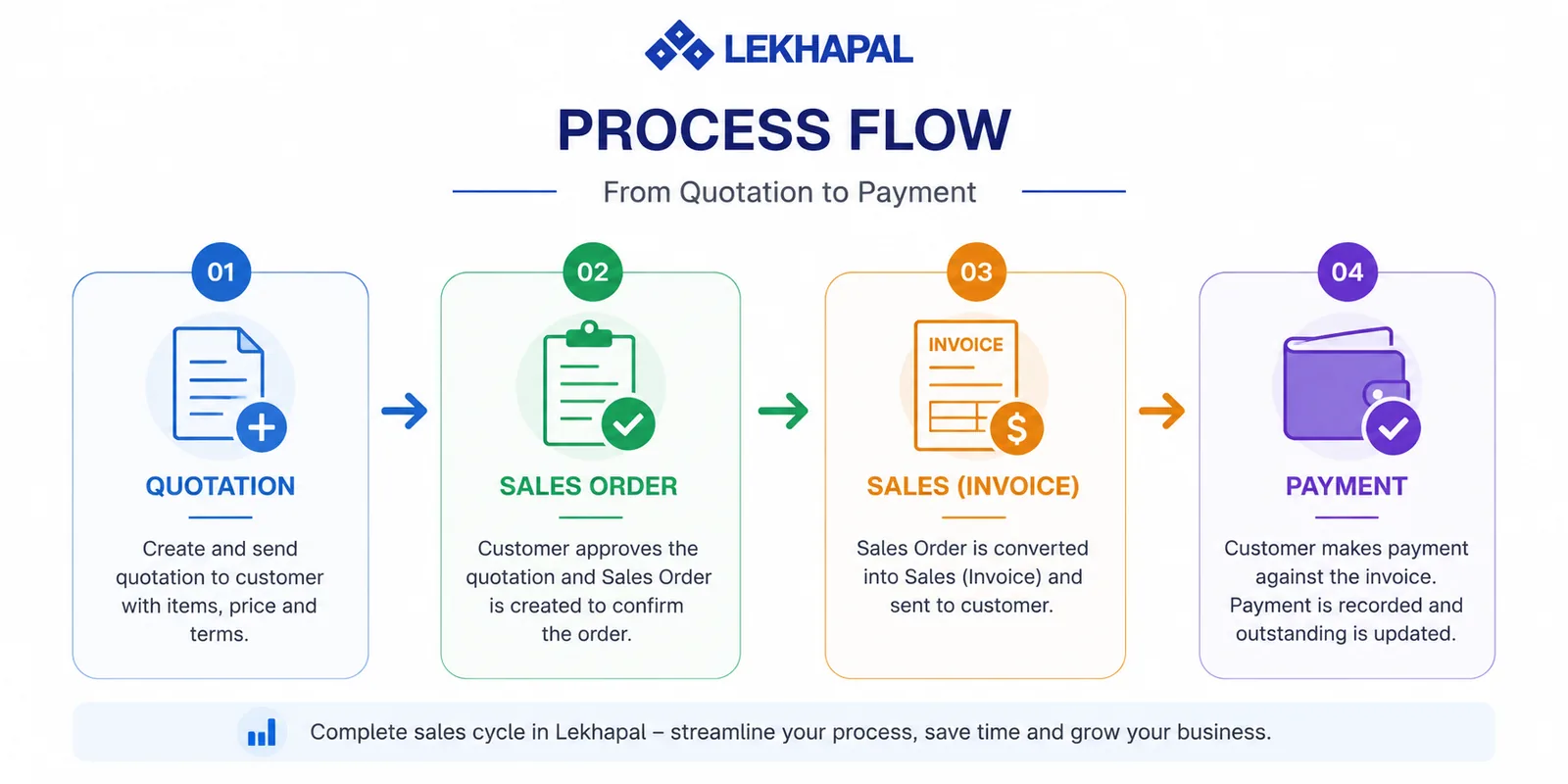
A sales order is created once a quotation is accepted. It is the official confirmation that the customer has agreed to buy, raised before the final invoice.
What it helps you do
- Confirm customer orders before you bill them.
- Track which orders are pending and which are confirmed.
- Manage order processing and delivery.
- Convert orders into final sales invoices.
Create a sales order
Sales → Sales Order → + Add Sales Order
The form is the same as the quotation form: customer and details, line items, note, summary. If the order comes from an accepted quotation, start from the quotation instead and convert it — the lines, prices and discounts carry across.
The order stage
Between confirming the order and issuing the invoice, the order is where fulfilment happens — picking, packing, delivery. Keeping that as a distinct document means:
- your committed quantities are visible separately from what you have actually billed,
- you can part-deliver against an order without confusing the books,
- the customer has a document to reference before the invoice exists.
Do you need sales orders?
If you deliver and bill in the same movement — most retail — go straight from quotation to invoice. Sales orders earn their keep when there is a gap between agreement and delivery.
Convert to an invoice
When the goods are ready, convert the order into a sales invoice. Only at that point are revenue, receivables, stock and VAT recorded.
Example
A customer receives a quotation for Rs. 50,000 and agrees to it.
- You create a sales order to confirm the purchase.
- The order is processed — the goods are packed and delivered.
- The order is converted into a sales invoice, and the customer becomes liable for Rs. 50,000.