Inventory Reports
Seven reports covering stock — what you hold, where it is, what it is worth, and what it earns.
| Report | In one line |
|---|---|
| Product Quantity Alerts | Low and out-of-stock products |
| Warehouse Report | Stock movement by warehouse |
| Inventory Ledger | In, out and balance per product |
| Product Profitability Report | Cost, sales and margin per product |
| Inventory Valuation | Closing stock valuation |
| Batch Inventory Summary | Balance by batch |
| Batch Transaction History | Movements per batch |
Product Quantity Alerts
Products that have reached a low-stock or out-of-stock level.
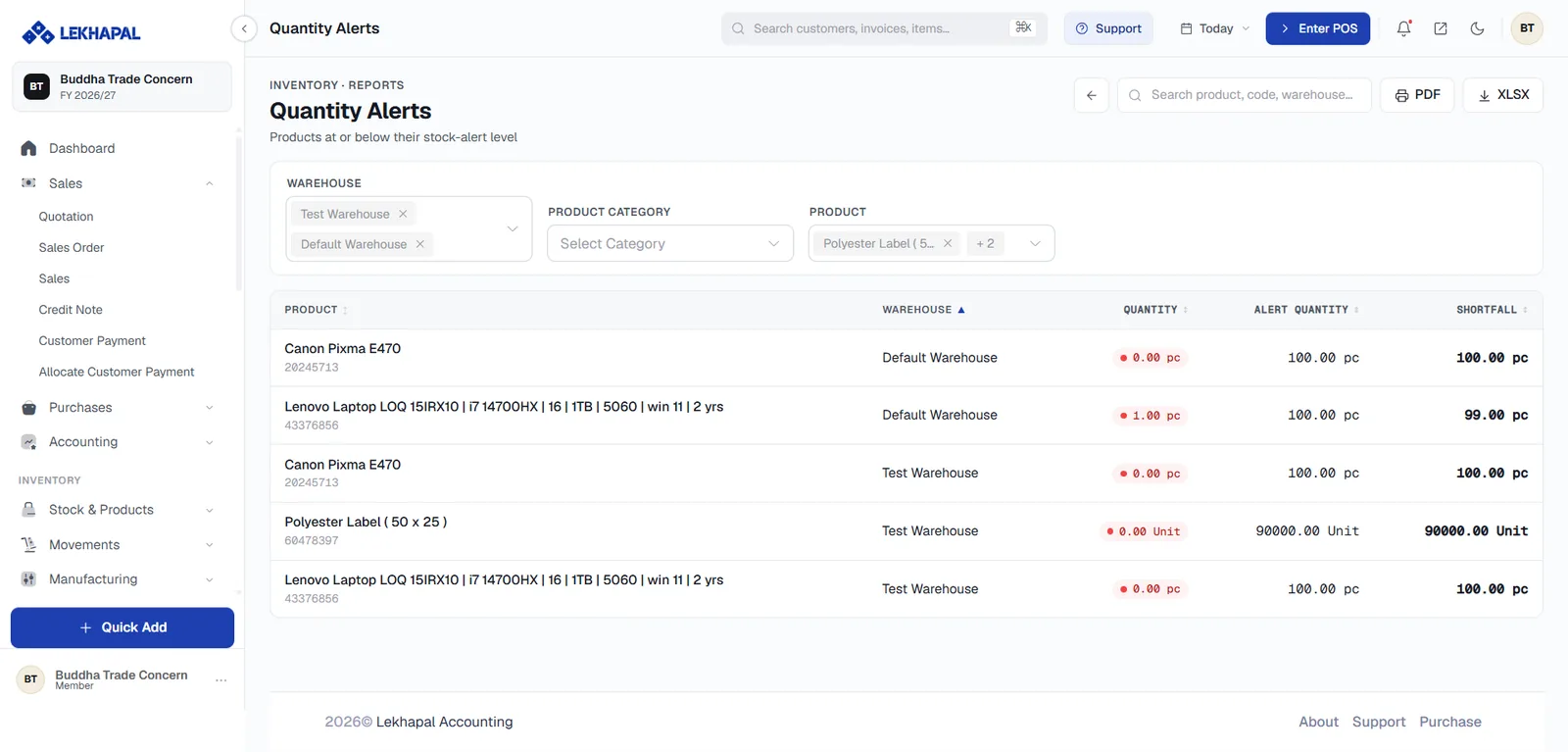
The threshold is the Stock alert level set on each product. This is your reorder list; the same data drives the critical alerts on the dashboard.
Warehouse Report
Stock movement by warehouse or location.
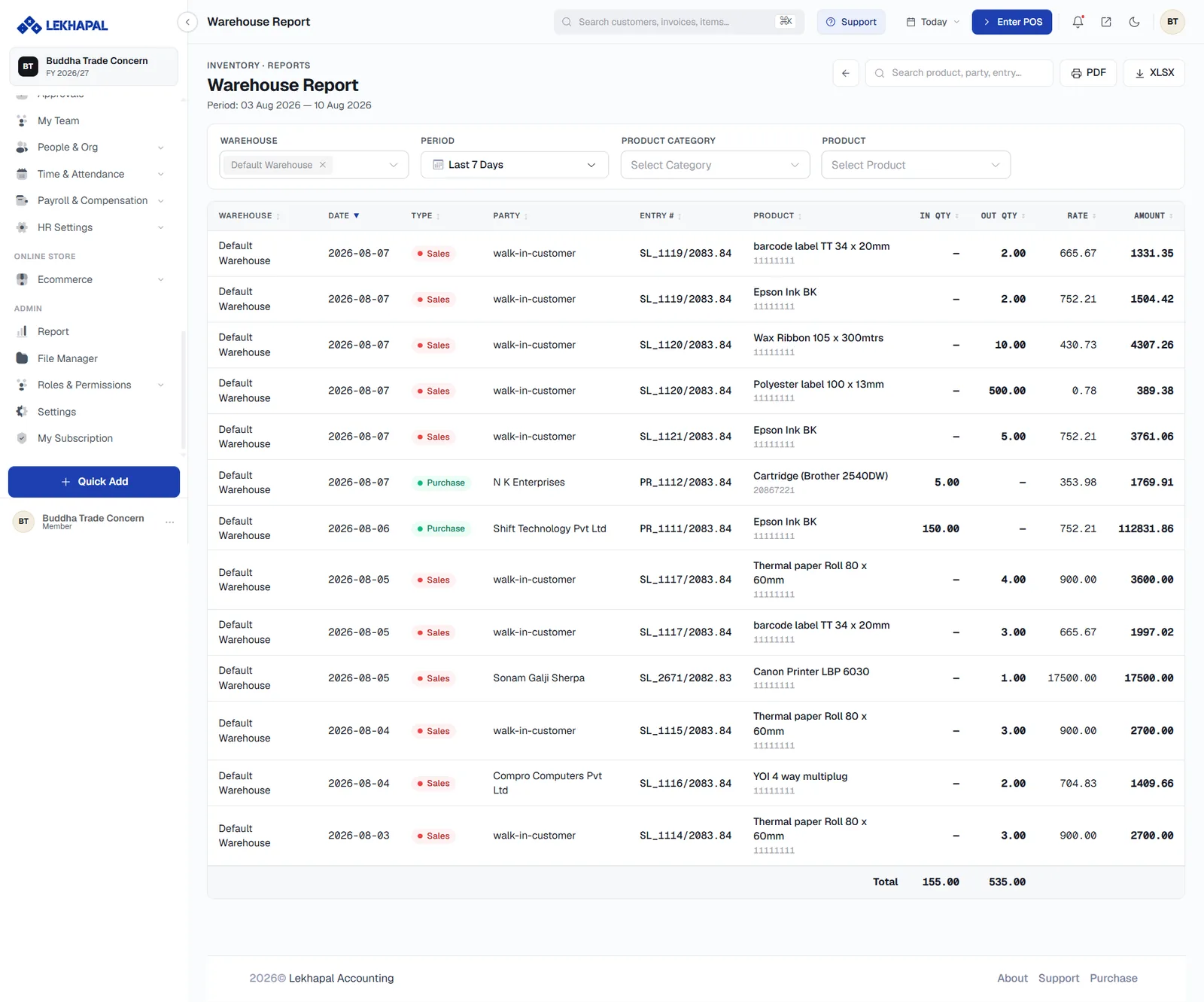
Example. A business with a Kathmandu warehouse and a Pokhara warehouse can review movements at each — including transfers between them.
Inventory Ledger
The movement of inventory for each product.
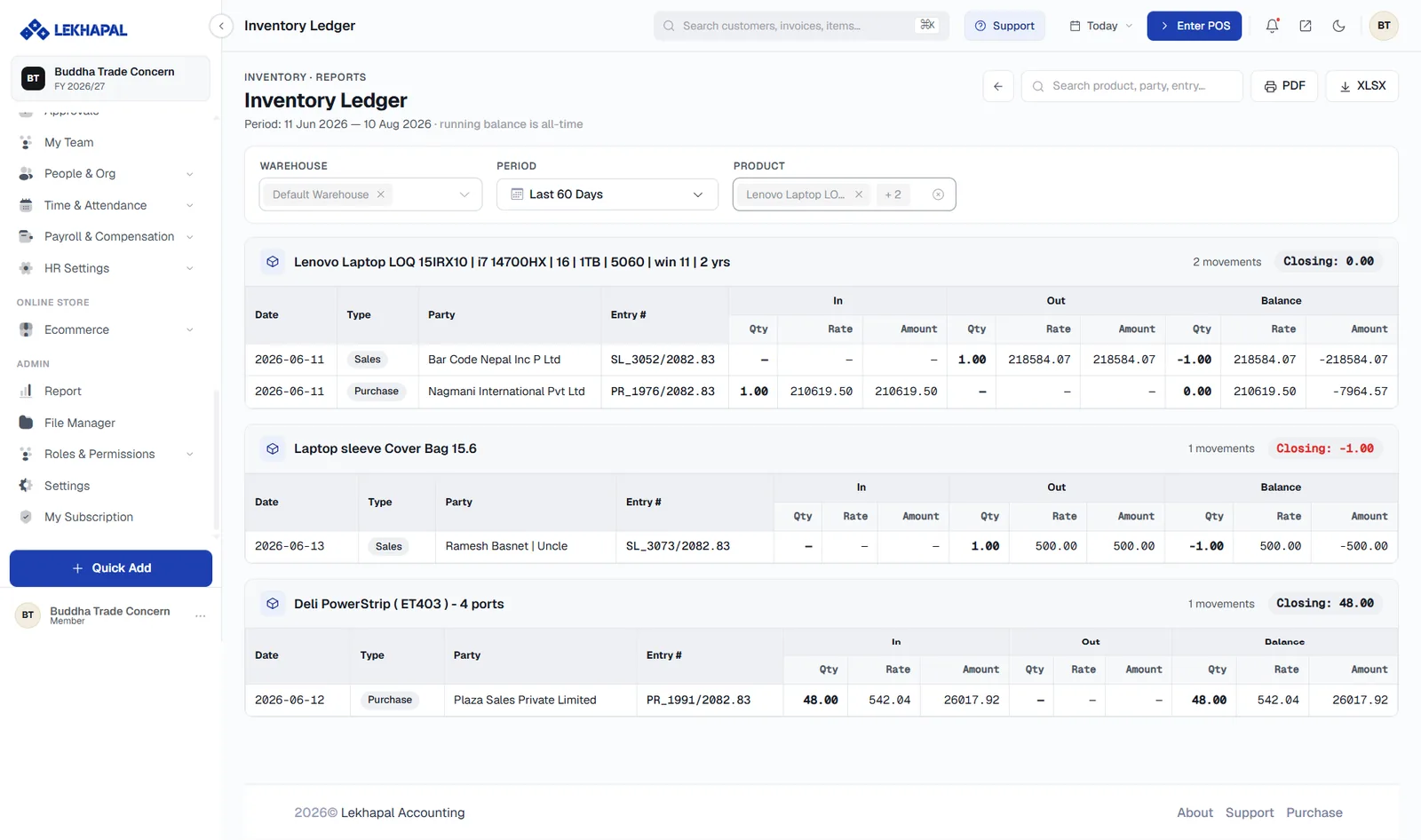
It shows
- stock coming in,
- stock going out,
- the running balance.
Every event that touches stock appears here: sales, purchases, returns, adjustments, transfers and production. When a stock figure looks wrong, this is the report that tells you why.
Product Profitability Report
Product-level profitability, factoring in cost.
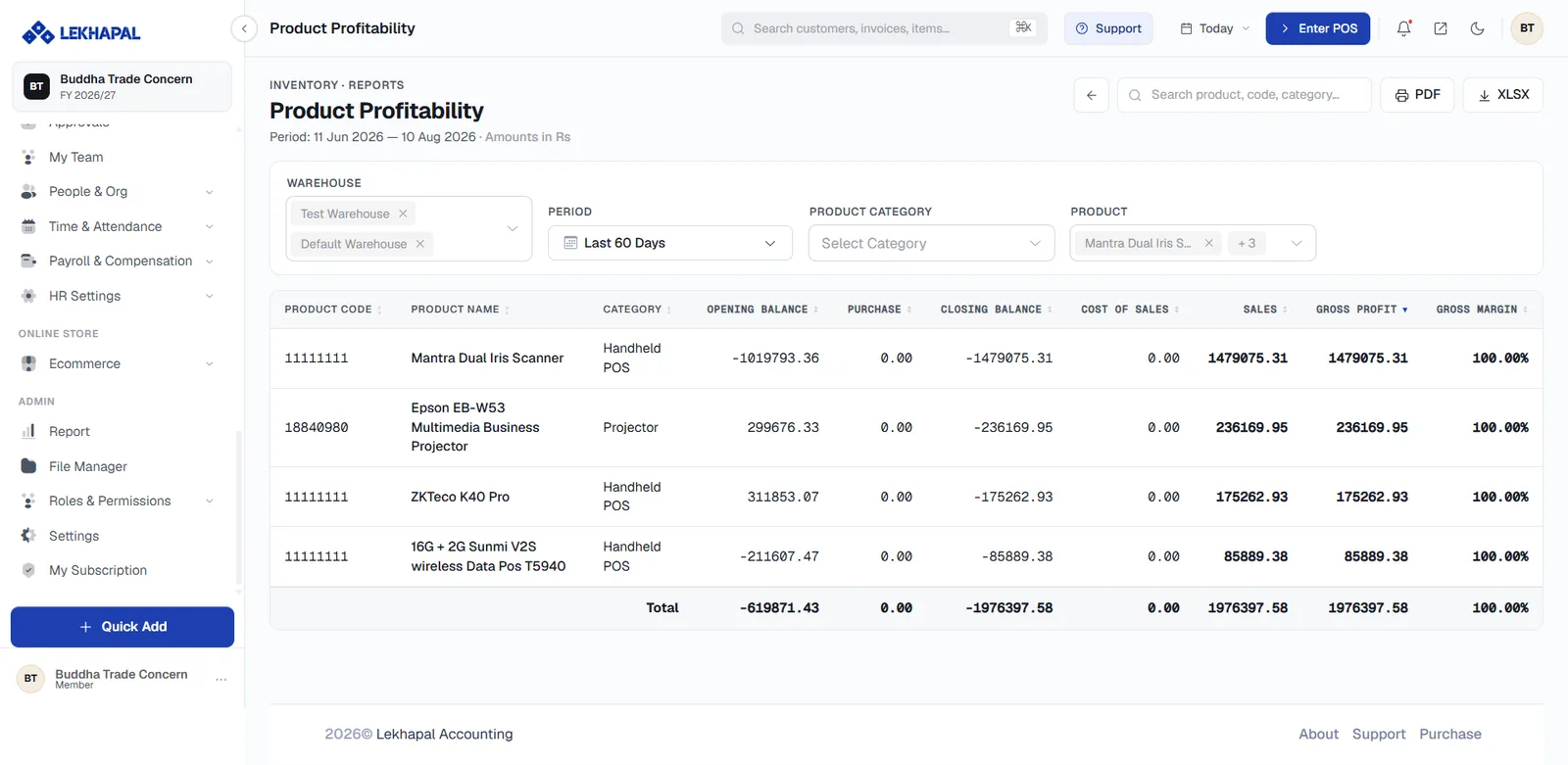
It considers
- product cost,
- sales,
- margin and profit.
Example. A product costs Rs. 800 and sells for Rs. 1,000. The report shows the sales it generated and the margin it earned — the number that actually matters, as opposed to revenue alone.
Inventory Valuation
The value of the stock currently held.
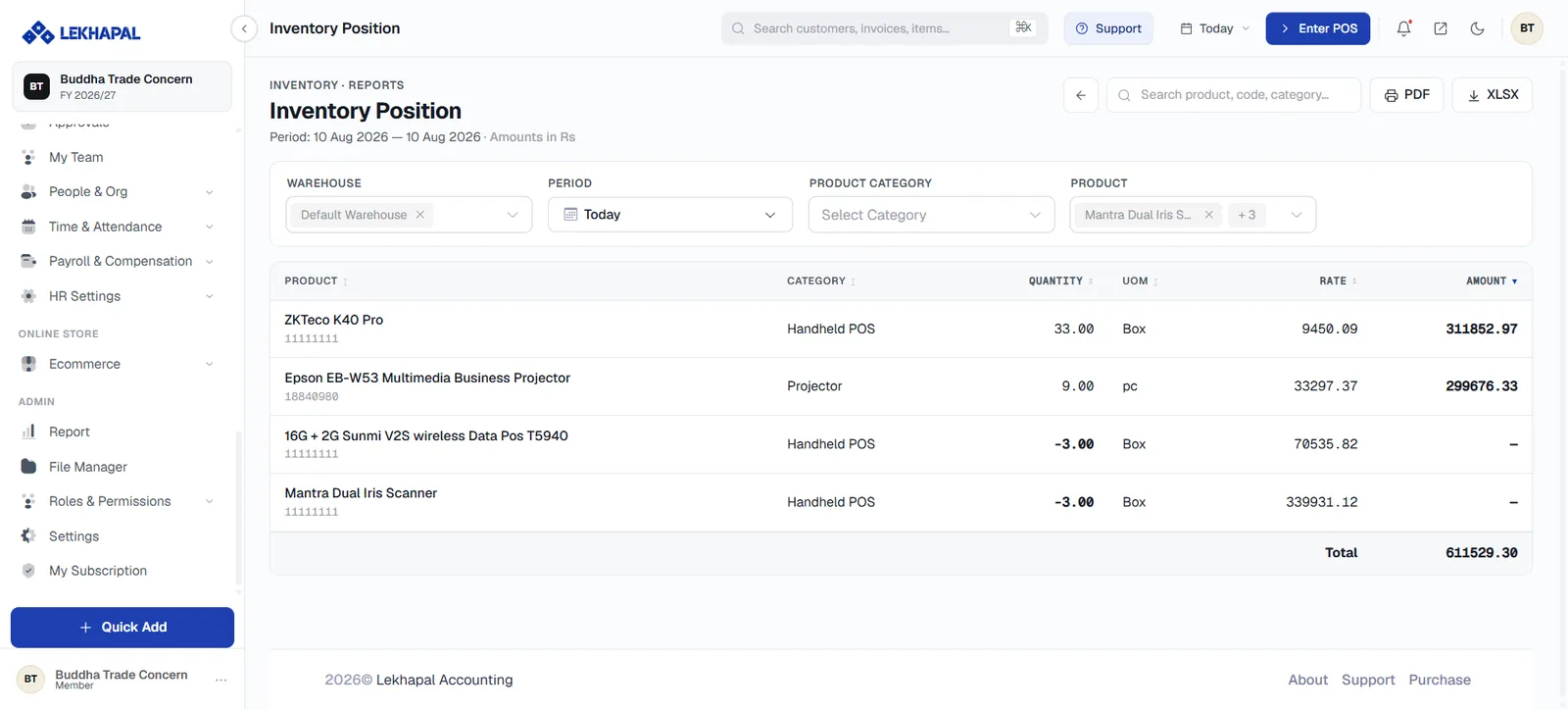
Example. A business holding 100 units of a product uses this report to determine the monetary value of that closing inventory — the figure that carries into the Balance Sheet.
Batch Inventory Summary
The inventory balance by batch, for products tracked with batch numbers.
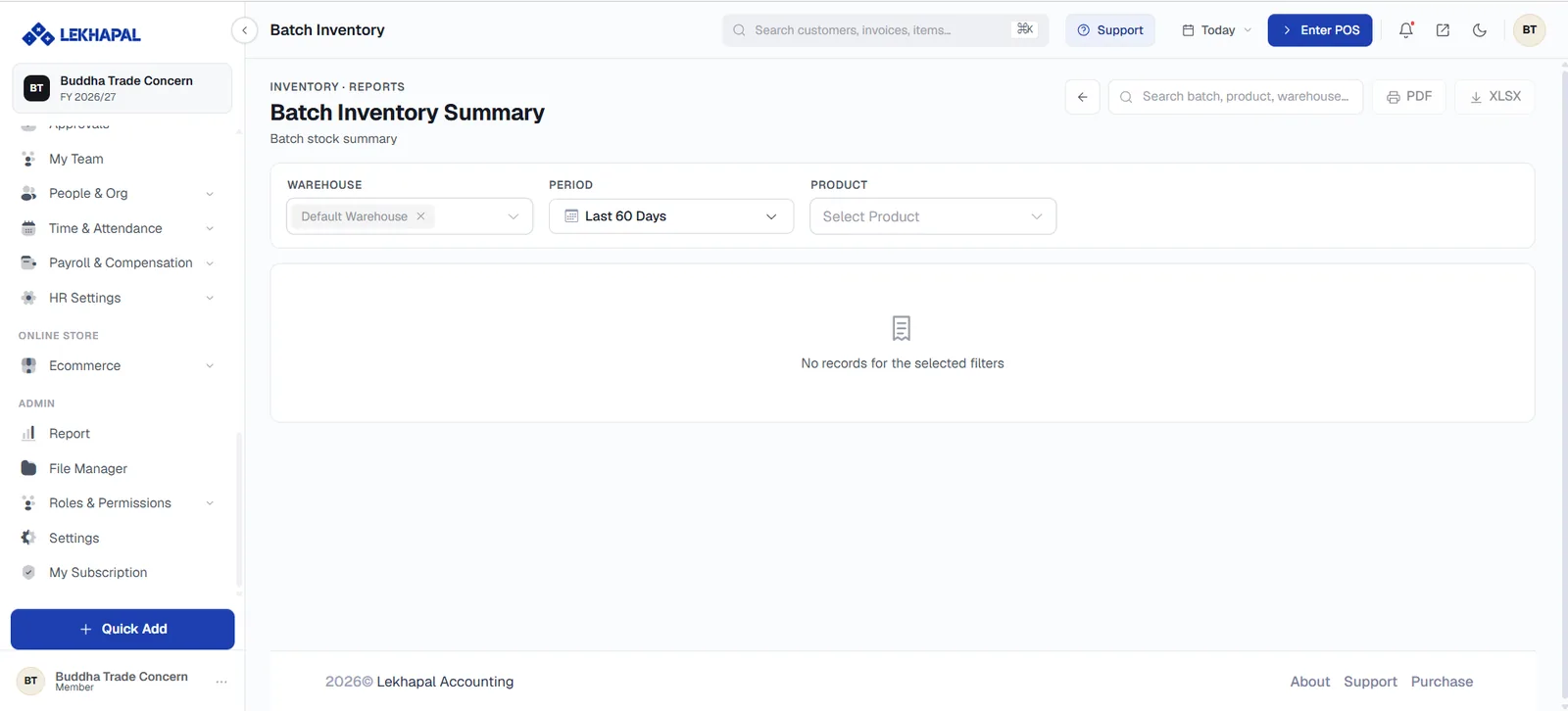
Example. A business holds the same medicine from two different batches. The report shows the stock belonging to each separately — essential when the batches have different expiry dates.
Batch tracking is enabled per product under Inventory tracking.
Batch Transaction History
Inventory movements associated with individual batches.
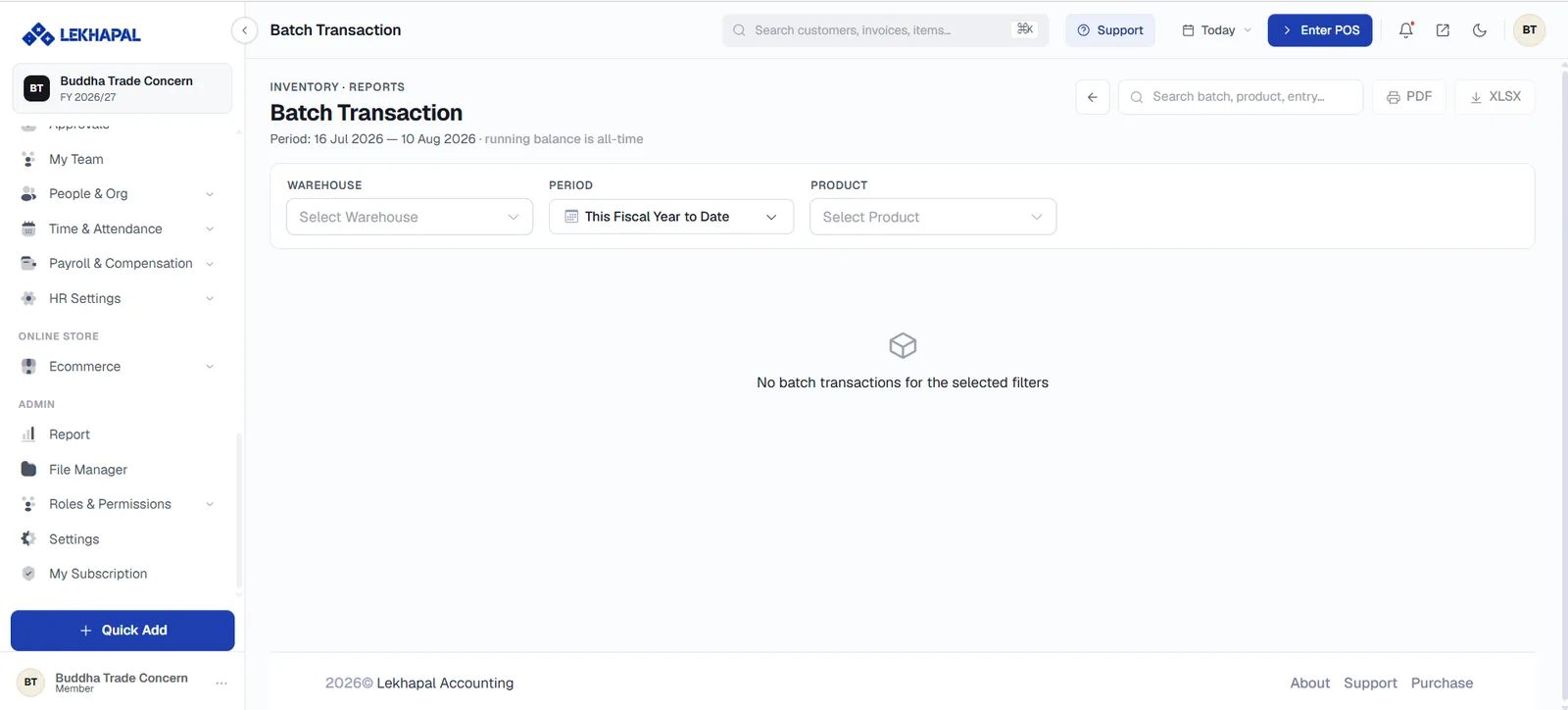
The transaction and movement history of each batch — where it came from, what was sold from it, and what remains. This is the report you need for a product recall.